
Svg Craft AI
Turn text prompts or images into clean black & white or full-color SVG vectors for logos, stickers, illustrations, laser engraving, and Cricut.
Turn a prompt into editable vector art
Start with text or a reference image, generate clean SVG artwork, then refine it for logos, icons, stickers, engraving, merch, and web graphics.


Laser engraving artwork
Vinyl

Print illustration
Engraving

Cut file artwork
SilhouetteBlack & white or full color
Choose the output that fits the job: one-color cut files for Cricut, vinyl and laser, or flat full-color illustrations for stickers, print and the web. Both export as editable SVG with a transparent background.
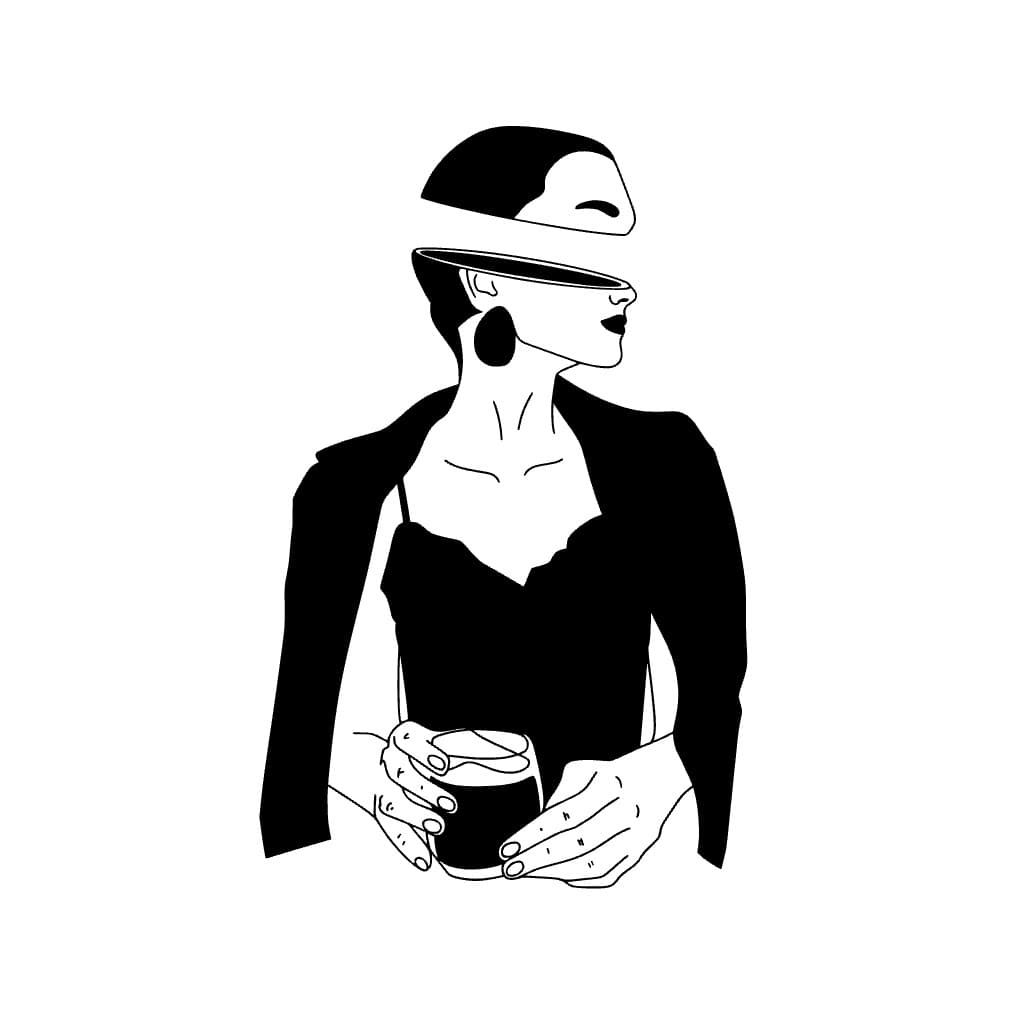
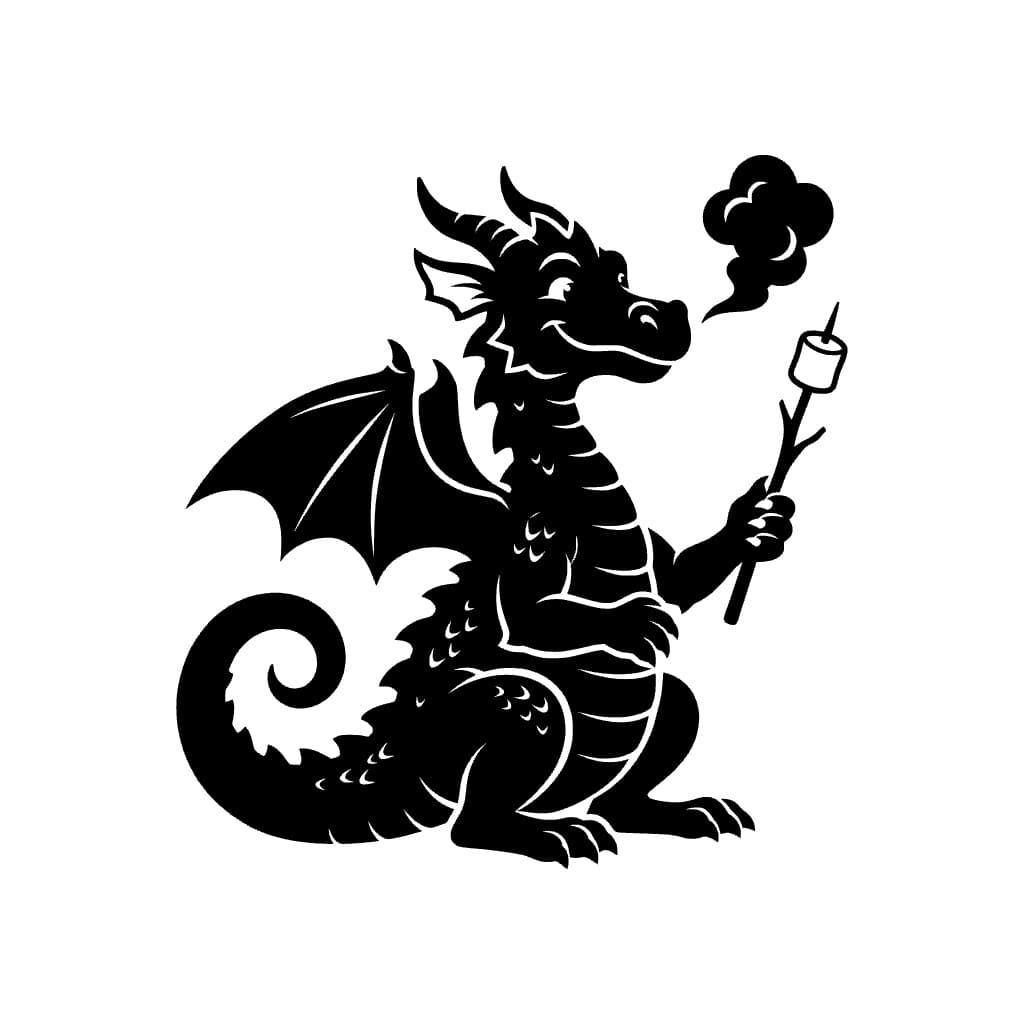
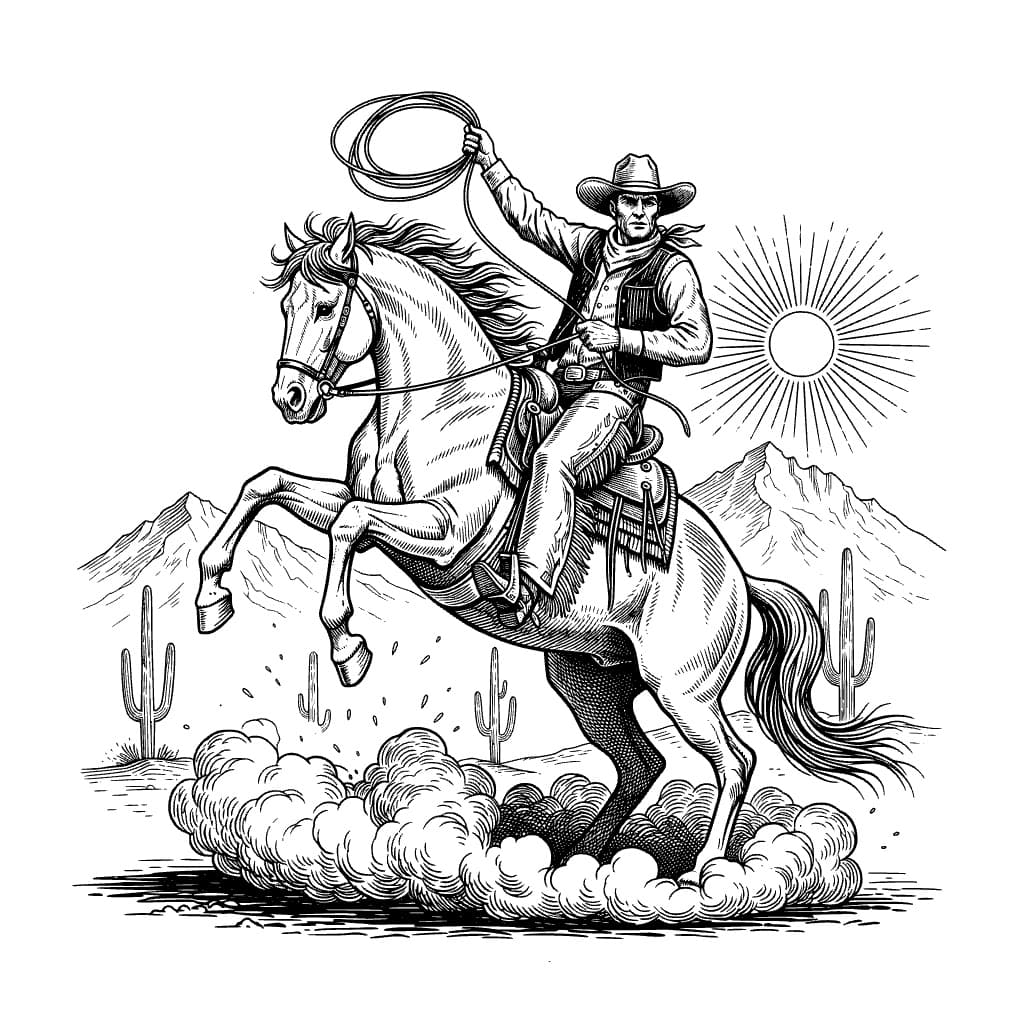

Black & White
8 styles · 1 creditCrisp black artwork, from bold silhouettes to fine engraving lines, ready for cutting, vinyl and laser.
- Cricut and Silhouette cut files
- Vinyl decals and HTV
- Laser engraving and stencils
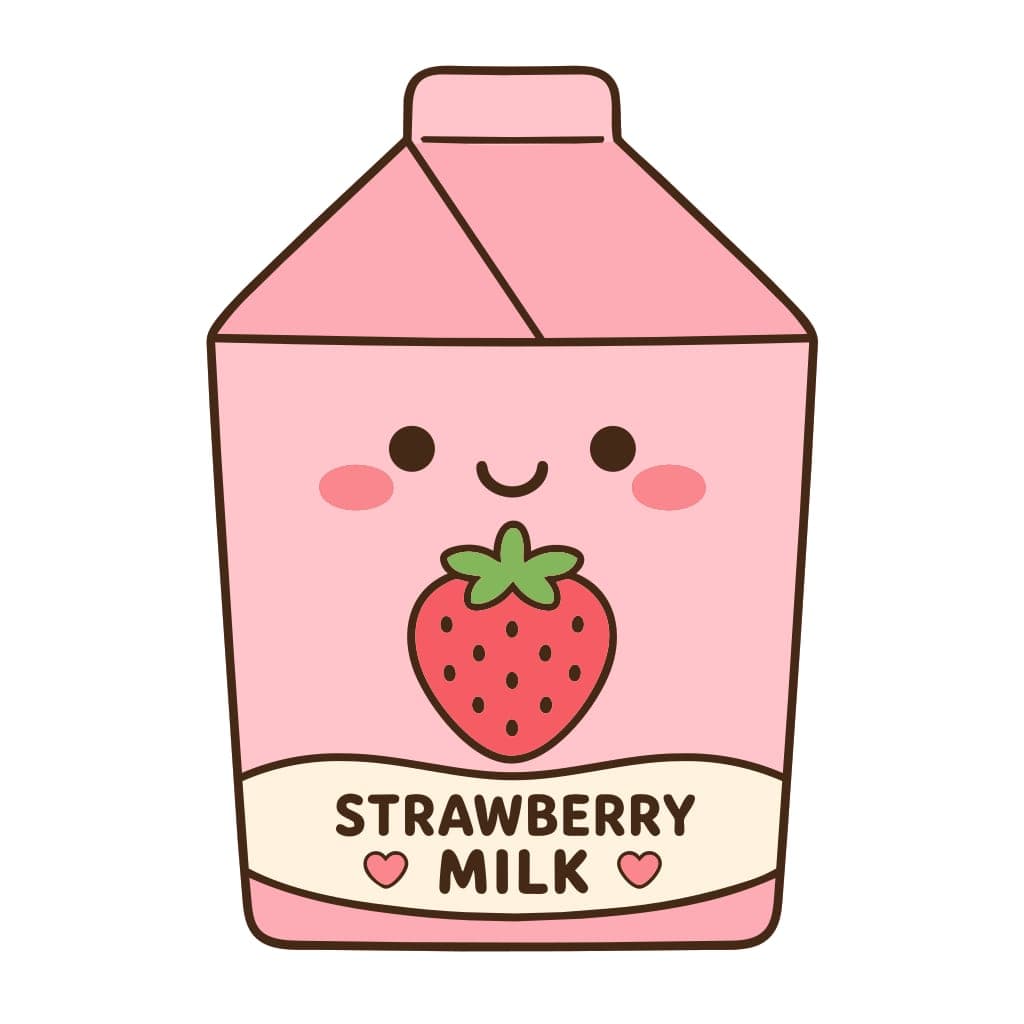

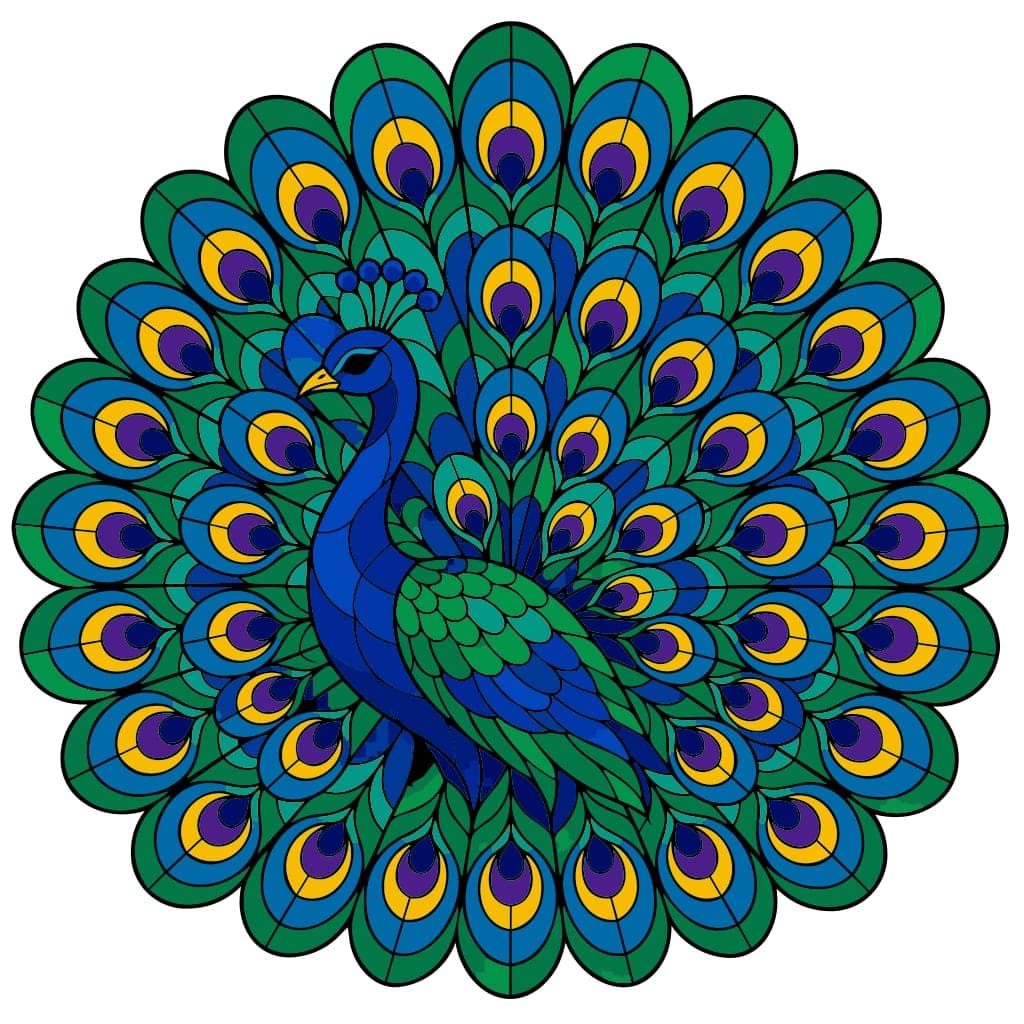

Full Color
22 styles · 2 creditsFlat color regions with clean shared edges and no gradients, so every color is its own editable shape.
- Stickers and print on demand
- Mascots, badges and illustrations
- Web graphics and icons
Export artwork that stays sharp everywhere
SVG output keeps edges crisp, paths editable, and files ready for design tools, websites, print shops, Cricut projects, and laser workflows.


Powered by our own vectorization engine
Leading AI image models create the artwork. Our in-house vectorization engine turns it into clean SVG and uses machine-learned models to refine color artwork: crisper corners, fewer stray specks and cleaner shapes.
Clean, closed paths
Smooth curves and crisp corners you can edit, recolor and cut with minimal cleanup.
Flat color without noise
Colors become solid regions that meet along clean edges, designed to avoid halos, gaps and stray specks.
Transparent background
The background is removed automatically, so your SVG drops onto any design.
Choose your image model
Generate with Grok Imagine 2.0, Nano Banana 2 or GPT Image 2.5. Every model runs through the same vectorization engine.
- Grok Imagine 2.0
- Nano Banana 2
- GPT Image 2.5
Create and Edit SVGs in One Workflow
Generate SVG designs in ready-made styles, then refine vector paths and layers and customize colors and typography for web, print, Cricut, and laser cutting projects.
Online SVG editor with pen, path editing, shapes, pathfinder, color controls, and a vector eraser for clean SVGs.
Objects
6 items

Reorder layers via drag and drop, toggle visibility, lock items, and group or ungroup shapes cleanly.
Text
Style Controls
Take full control of every visual detail with Svg Craft's professional style controls. Pick precise fill colors via HEX or RGB, save brand presets, and recall recent picks instantly. Tune typography on the canvas: font family, size, weight, italics, alignment, letter spacing, and line height. Built for designers and shops that need pixel-perfect, on-brand vectors.
Open EditorDesign Ready Presets
Apply styles to SVGs instantly. Choose Vinyl, Flat, Outline, Silhouette, Engraving, Drawing, Linocut, or Cartoon presets for modern vectors.
Start a projectDiscover Amazing Creations
Browse standout SVG vectors from the community, collect inspiration, and turn new ideas into finished work.


What Our Users Say
Designers, developers, makers, and shop owners use Svg Craft to create editable SVG vectors for web, print, cutting machines, and product graphics.


100 satisfied creators
How It Works
Create professional SVG vectors in three simple steps.
Enter Your Prompt
Describe what you want or upload an image as reference.
AI Generates the Vector
Our model turns your input into a unique SVG graphic.
Download and Use
Export instantly and use the result in your next project.
Combine Image + Text for Unique Results
Upload your own image and add a prompt to create personalized SVG variations for logos, icons, and illustrations.
Pricing Plans
Pick the plan that fits your workflow. Cancel anytime.
Starter
Best option to test our tool
- AI SVG Generator
- SVG Editor (edit and customize)
- Download as PNG, JPG, PDF, SVG
- Commercial license
- AI Background Remover Tool
- AI Image Upscaler Tool
- No team members on Starter
Pro
Best option for small projects
- AI SVG Generator
- SVG Editor (edit and customize)
- Download as PNG, JPG, PDF, SVG
- Commercial license
- AI Background Remover Tool
- AI Image Upscaler Tool
- 1 editor seat on Pro
Business
Best option for medium projects
- AI SVG Generator
- SVG Editor (edit and customize)
- Download as PNG, JPG, PDF, SVG
- Commercial license
- AI Background Remover Tool
- AI Image Upscaler Tool
- 5 editor seats on Business
Frequently Asked Questions
Everything you need to know about Svg Craft and our SVG generation workflow.
View all FAQsWhat formats can I download my vectors in?
Every design can be downloaded as SVG, PDF, PNG, and JPG. Once a design is generated, you can download the available formats without spending extra credits.
How many design styles are available?
Svg Craft offers 8 black & white styles (Vinyl, Flat, Outline, Silhouette, Engraving, Drawing, Linocut and Cartoon) and 22 full-color styles such as Flat Illustration, Kawaii, Sticker, Stained Glass, Isometric and Pixel Art. Every style exports SVG, PDF, PNG and JPG.
Can Svg Craft create full-color SVGs?
Yes. Open the style picker, switch to the Color tab and choose one of 22 color styles. Color SVGs use flat, solid color regions without gradients, so every color is a separate editable shape. A color generation uses 2 credits; black & white uses 1.
What are the subscription plans?
Svg Craft currently offers Starter, Pro, and Business plans with different monthly credit amounts. All paid plans include the main generation styles, export formats, and commercial use rights described on the pricing page.
Can I use my vectors for commercial projects?
Yes. Generated output can be used commercially, but you remain responsible for making sure your prompts, uploads, and final usage do not infringe third-party copyrights, trademarks, or other rights.
How do credits work with monthly and yearly subscriptions?
Each subscription grants a monthly credit allowance based on the selected plan. Credits reset on the monthly billing cycle and unused subscription credits do not roll over. If you cancel, you can still use remaining credits until the current period ends.
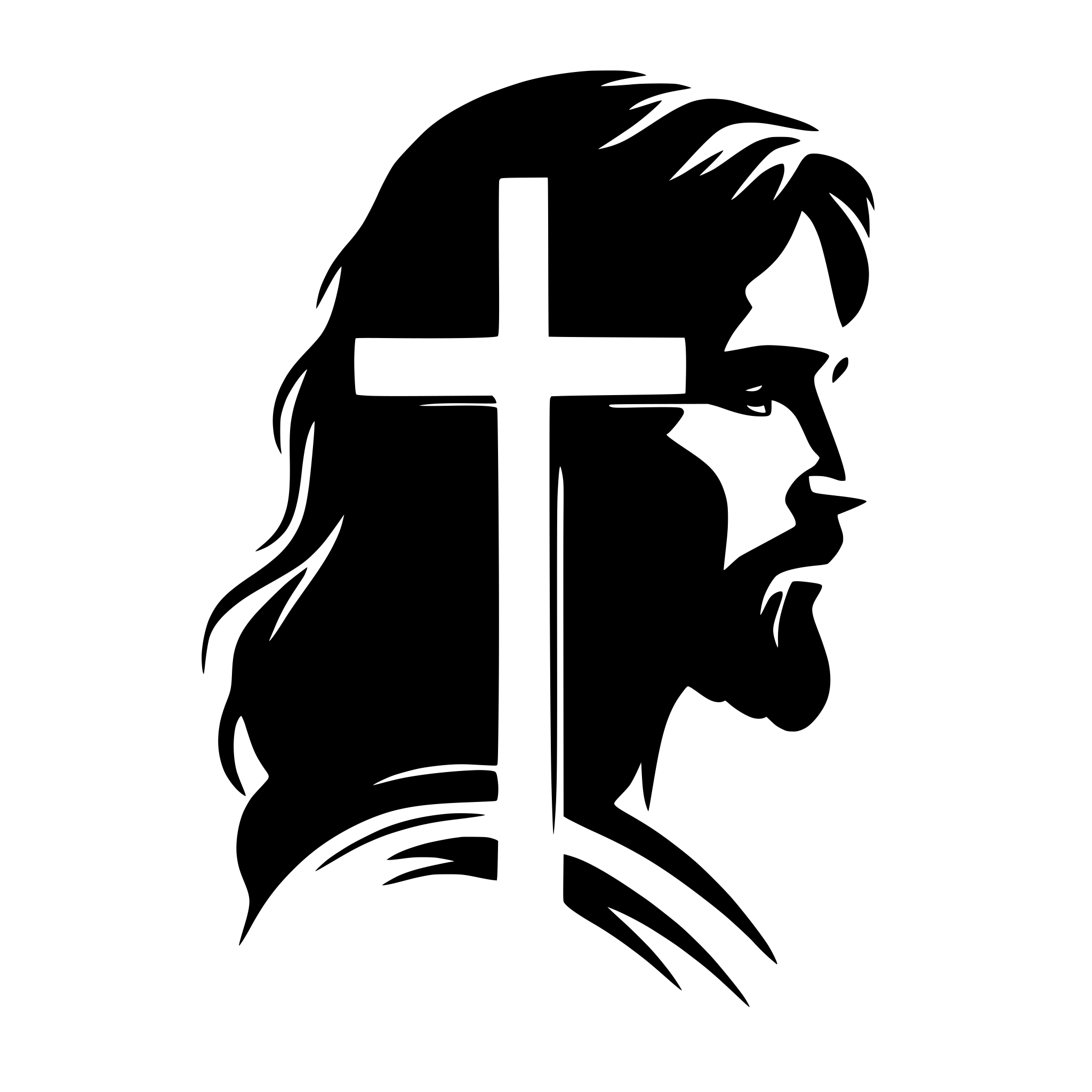
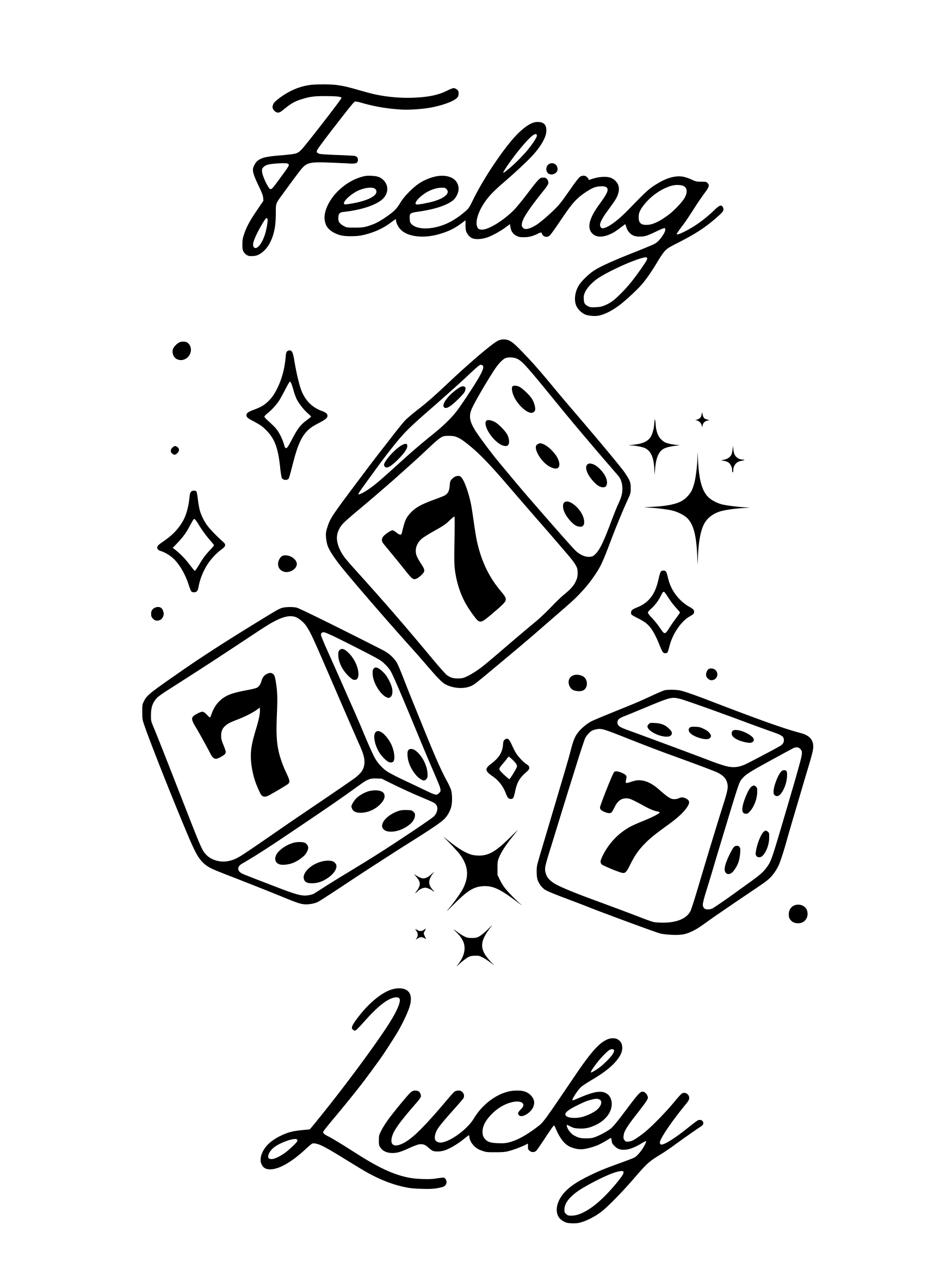
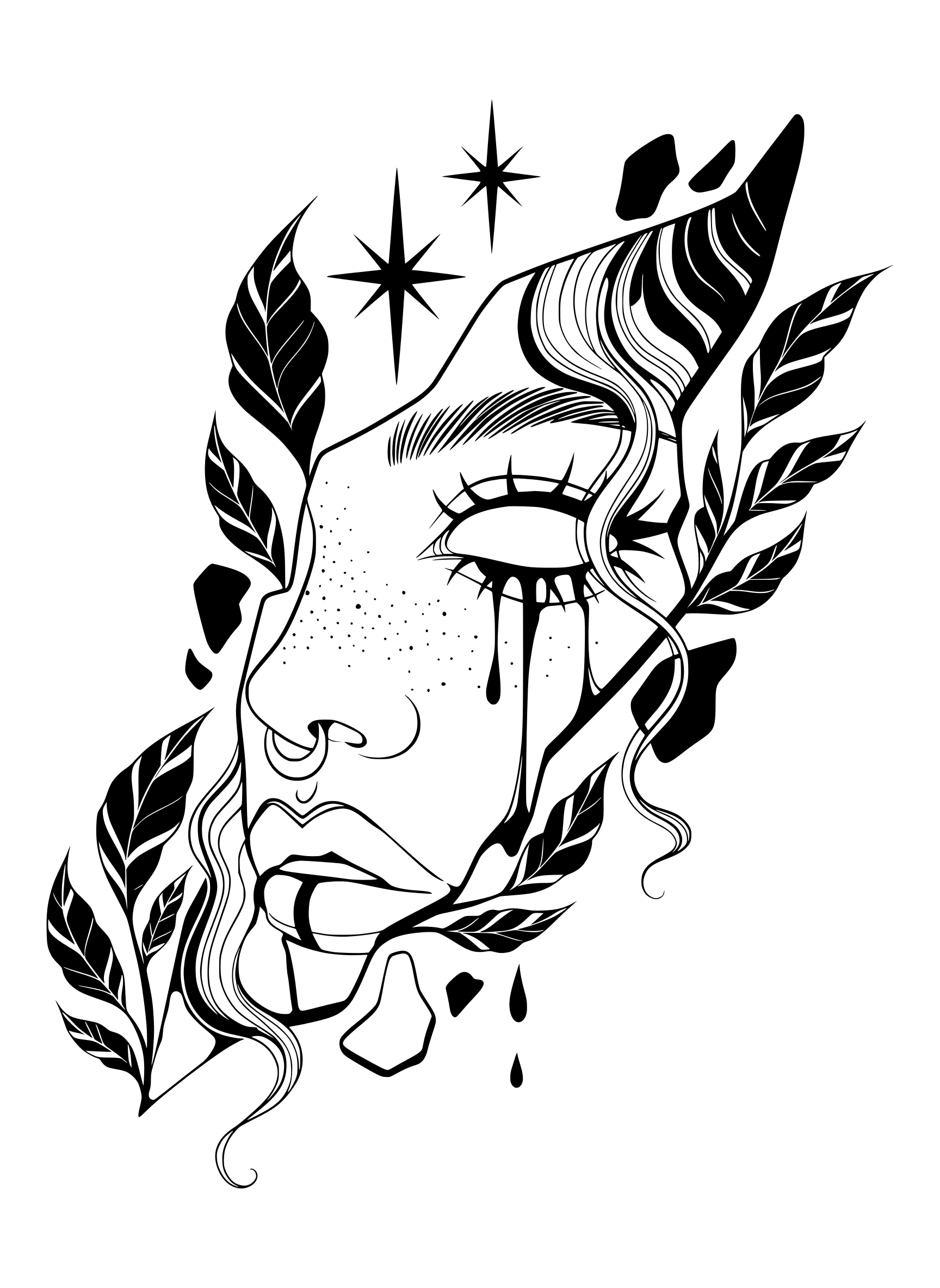
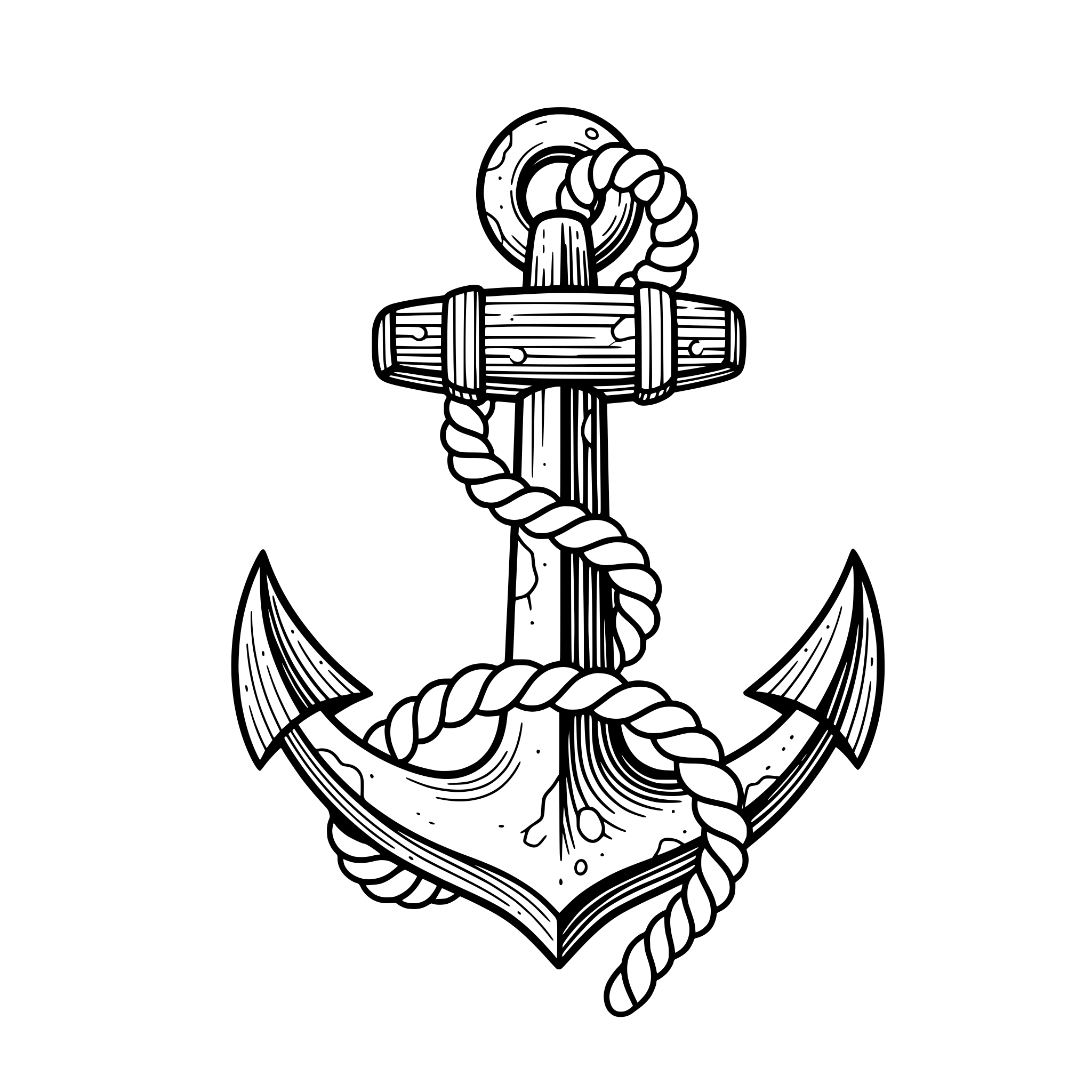

Create Production-Ready SVG Vectors
Use Svg Craft as your AI SVG generator for logos, icons, stickers, print graphics, and web illustrations.