
Blog
Insights, tutorials, and updates about AI-powered SVG generation.
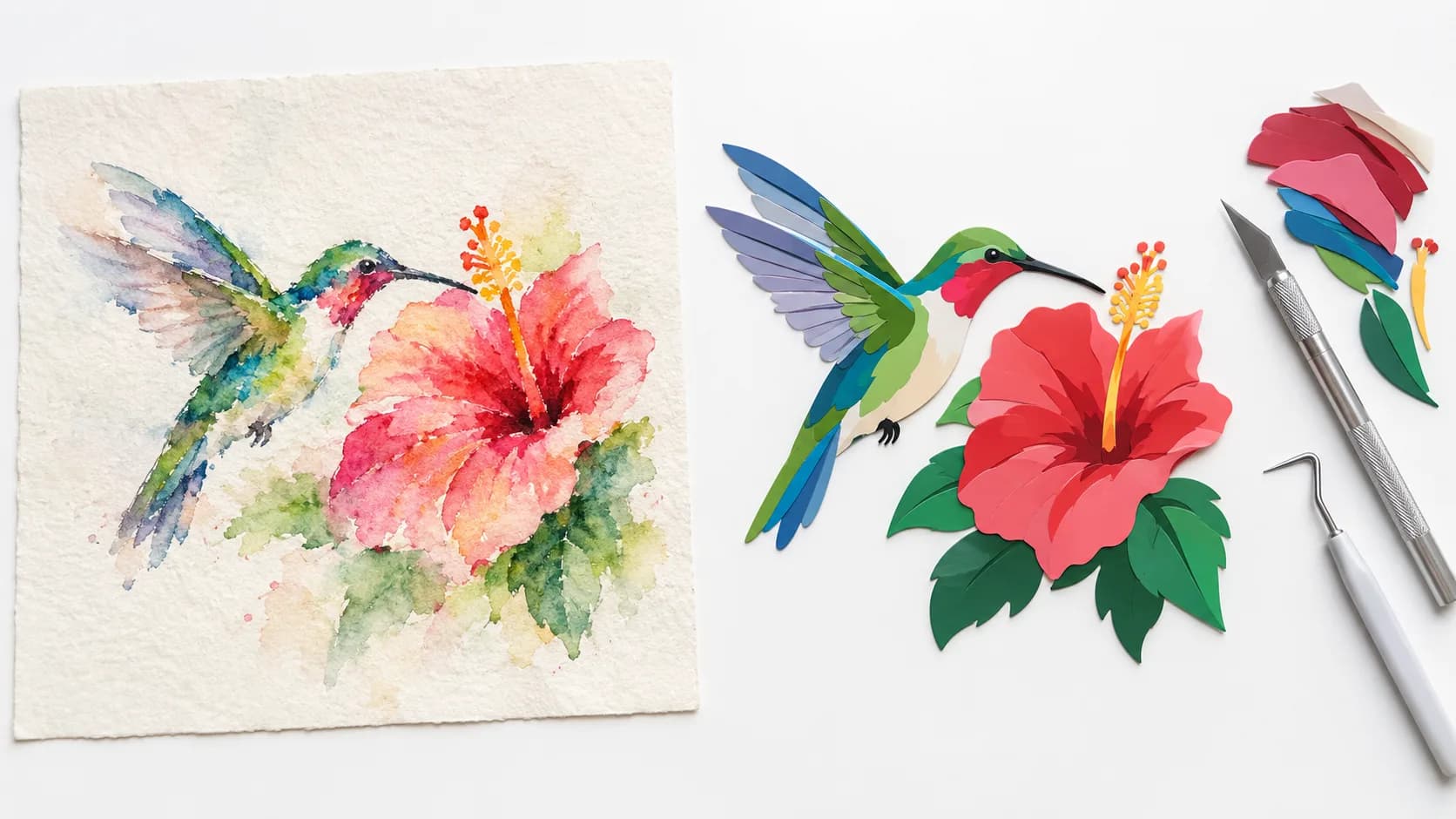
Why Color SVG Is Hard (and How SvgCraft Gets Clean Results)
Halos, specks, gaps and huge files: the five reasons color images vectorize badly, and how SvgCraft produces flat, editable color SVGs.
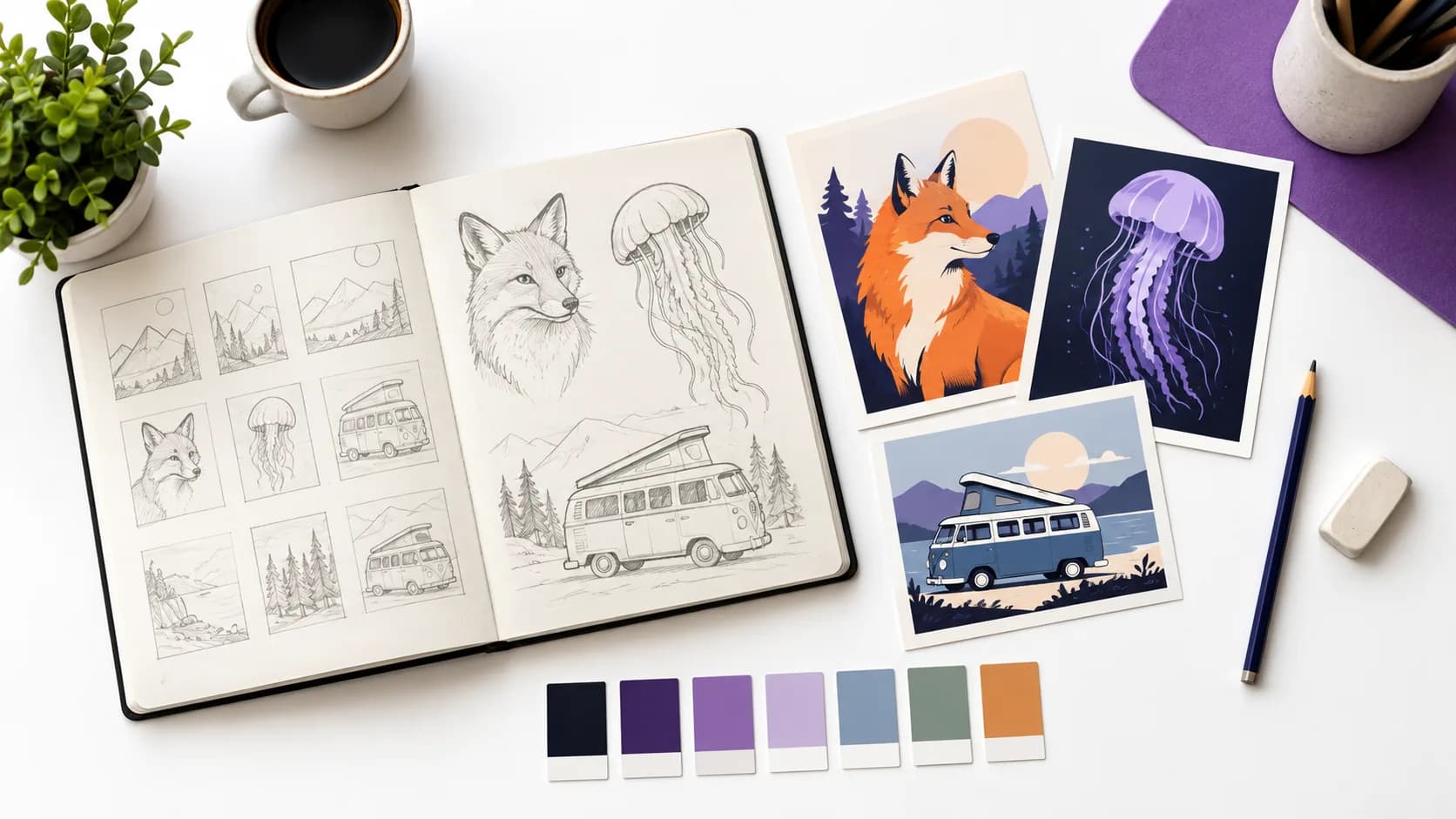
How to Write Prompts for Clean Color SVG
What SvgCraft already adds to your prompt, a simple structure for your part, example prompts by use case and the words that ruin clean color vectors.
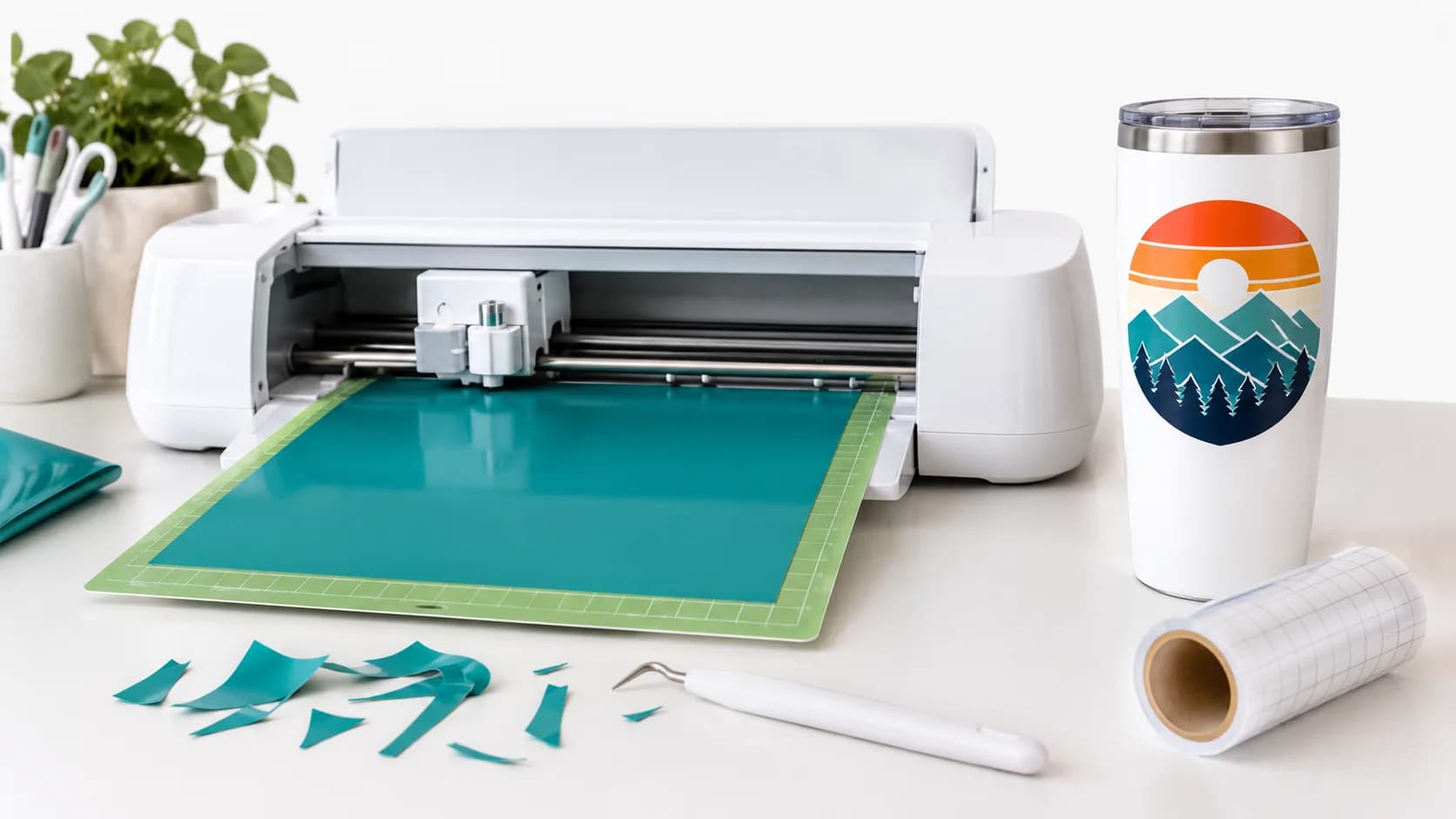
How to Use Color SVG Files With Cricut and Silhouette
How color SVG layers appear in Cricut Design Space and Silhouette Studio, when to use Attach, Weld or Color Sync, and when to Print Then Cut.
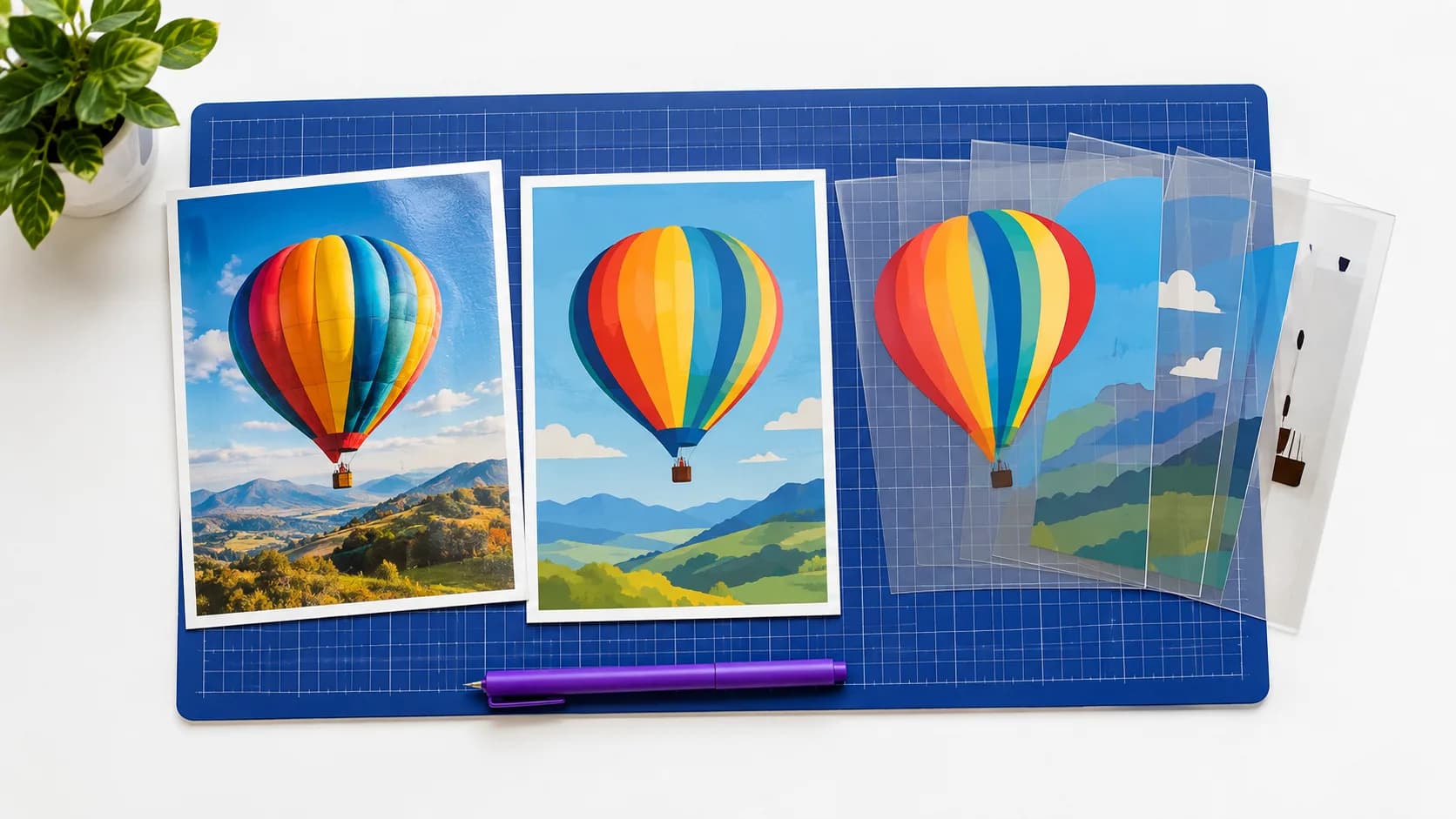
How SvgCraft Turns AI Images Into Clean SVG
From prompt to downloadable SVG: how SvgCraft shapes the request, converts the AI image with its own engine and removes the background.
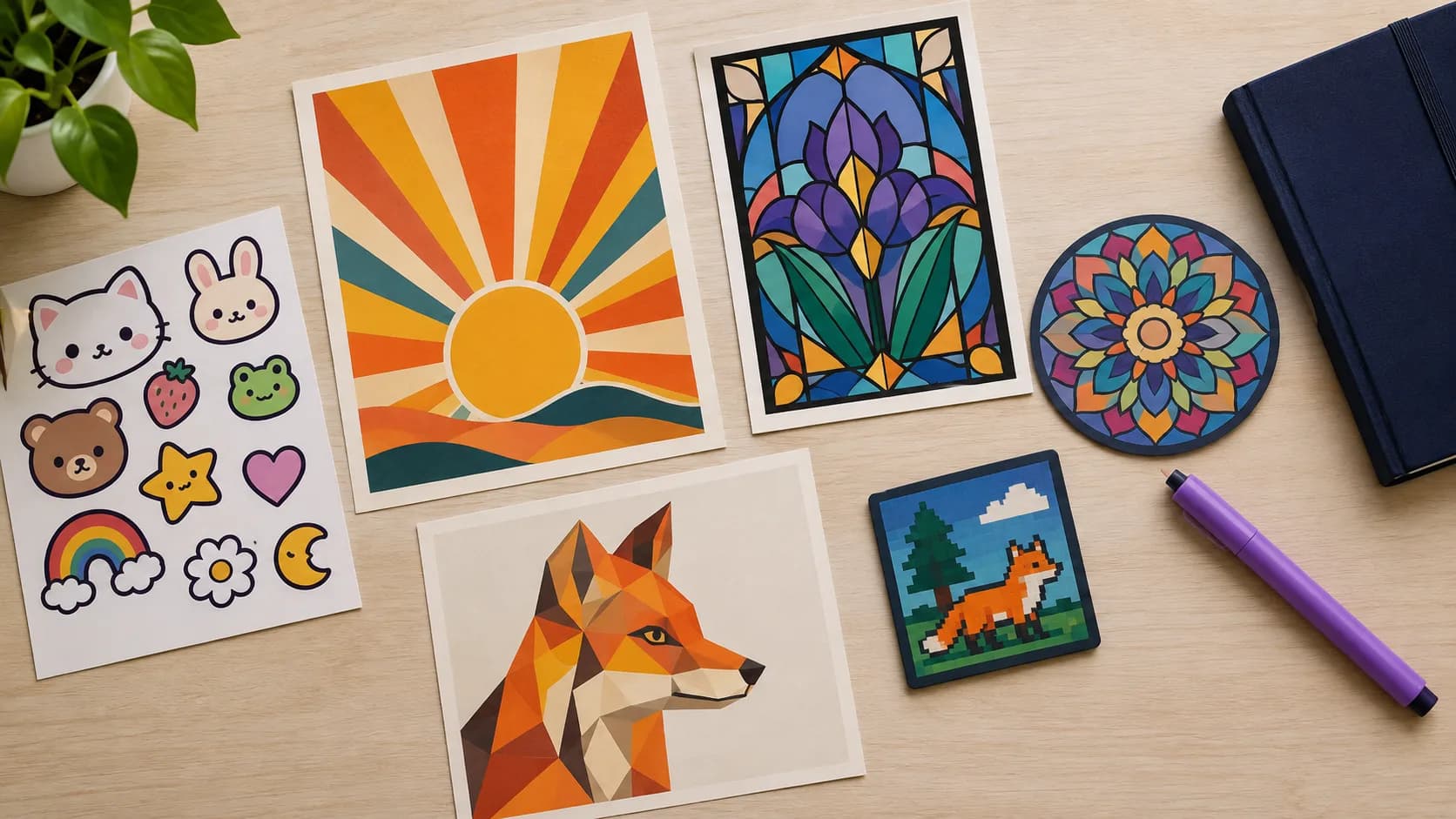
22 Color SVG Styles in SvgCraft and When to Use Each
What each of SvgCraft's 22 color SVG styles looks like, grouped by use, with the projects each style fits best and how to pick one in the Color tab.
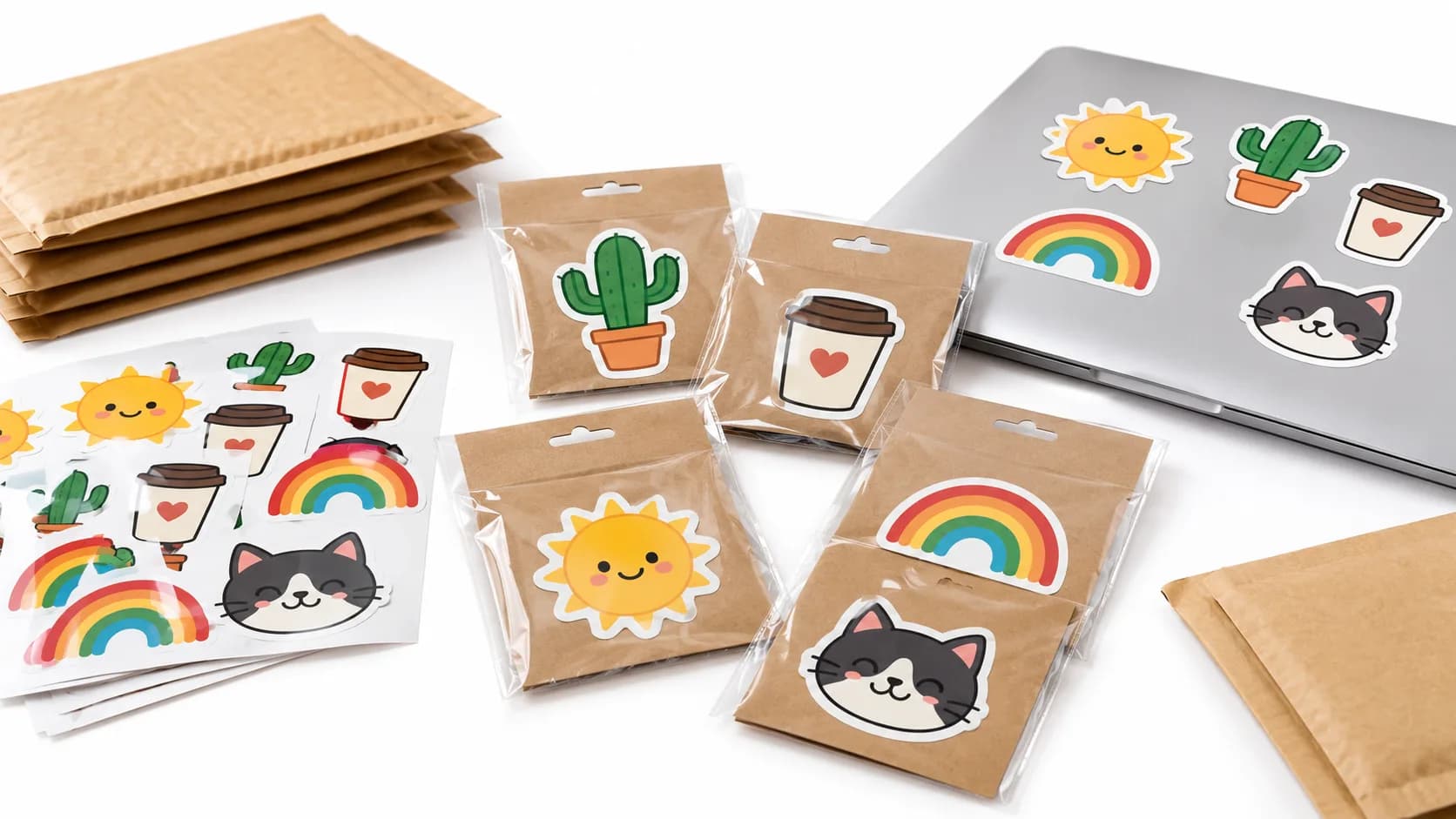
Making Color SVG Stickers and Print-on-Demand Designs With AI
Create color SVG stickers and print-on-demand designs with AI: pick a style, check the result, fix it in the editor and export the right file.
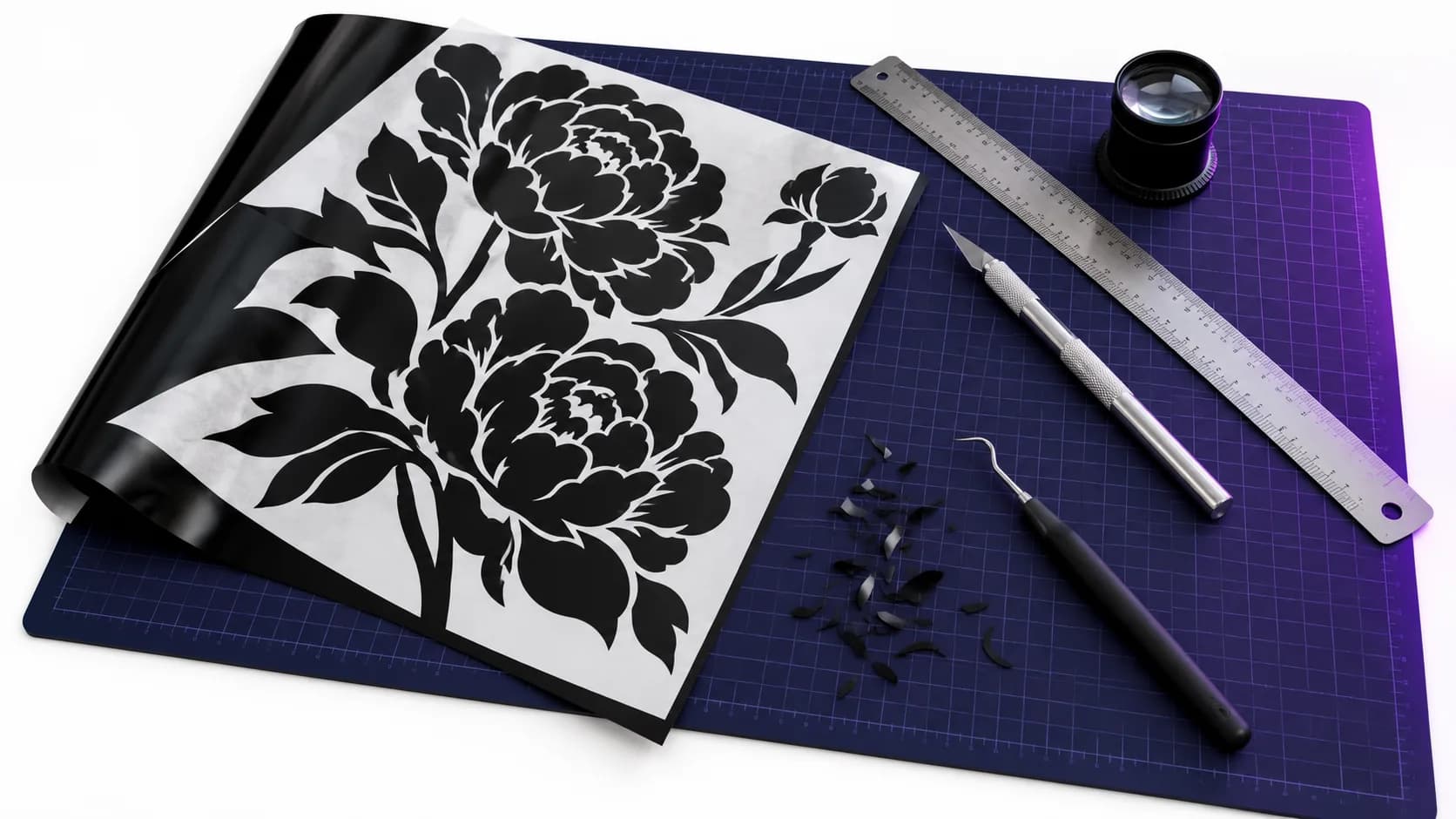
What Makes a Clean SVG: A Practical Checklist
Six checks for a clean SVG: closed shapes, node count, stray specks, shared color edges, file size and transparency, plus cutting-machine checks.
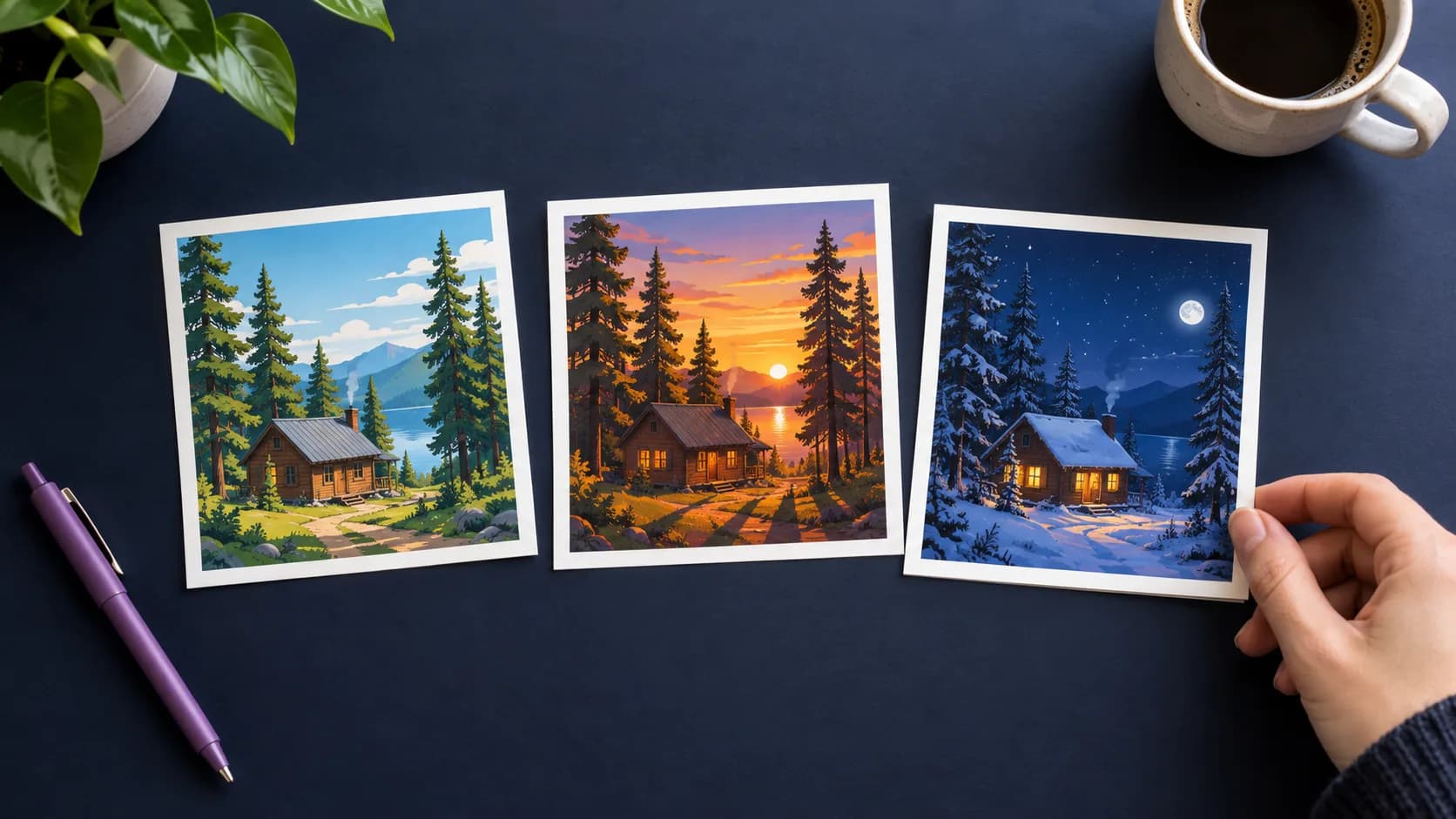
Grok Imagine 2.0 vs Nano Banana 2 vs GPT Image 2.5 for SVG
What actually differs between SvgCraft's three image models: aspect ratios, credits and vectorization, plus a simple test for choosing one.
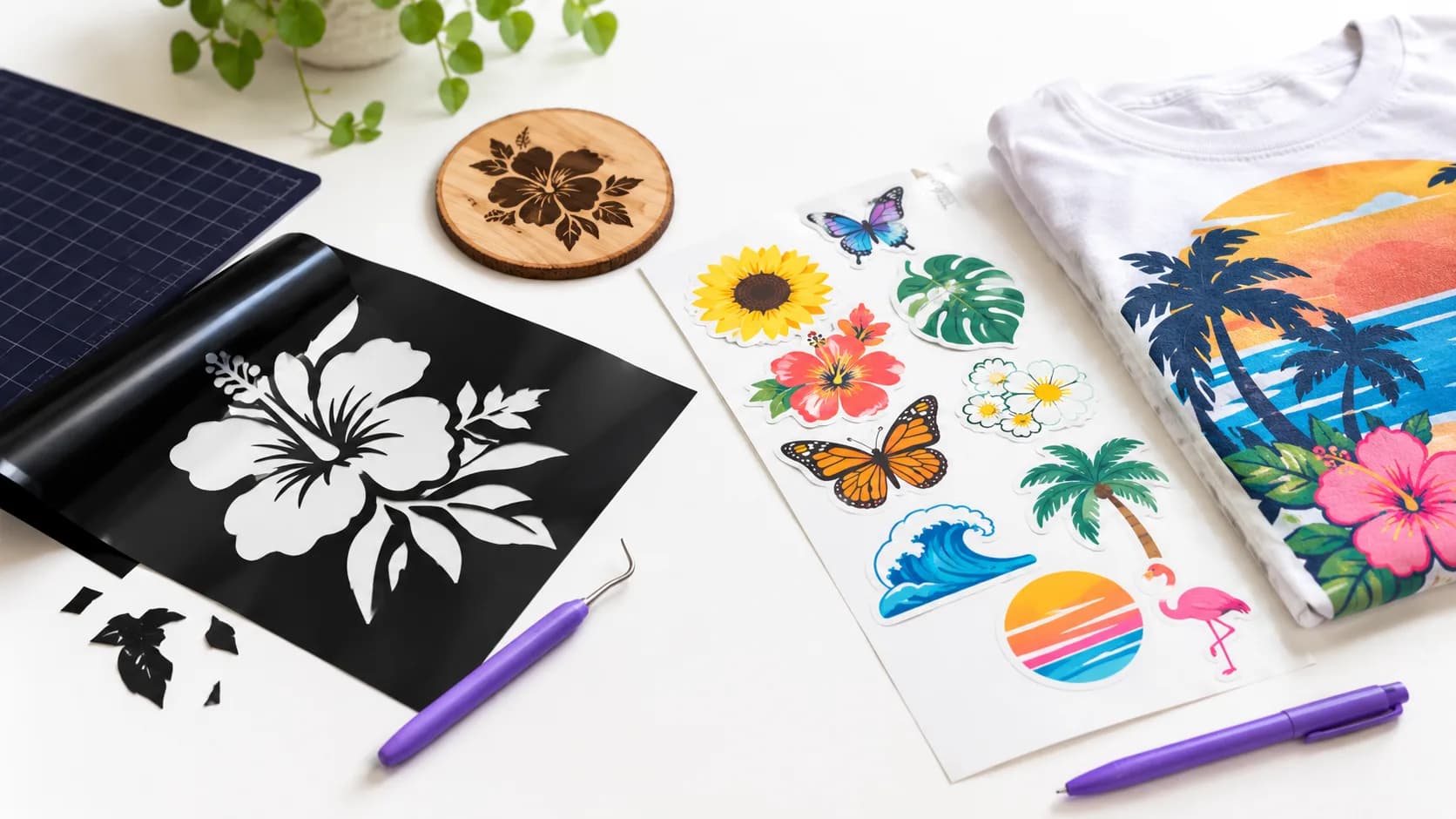
Black and White vs Color SVG: Which One Do You Need?
Cut or burn it? Choose Black & White. Print or display it? Choose Color. A use-case guide for Cricut, vinyl, laser, stickers, POD, web and print.
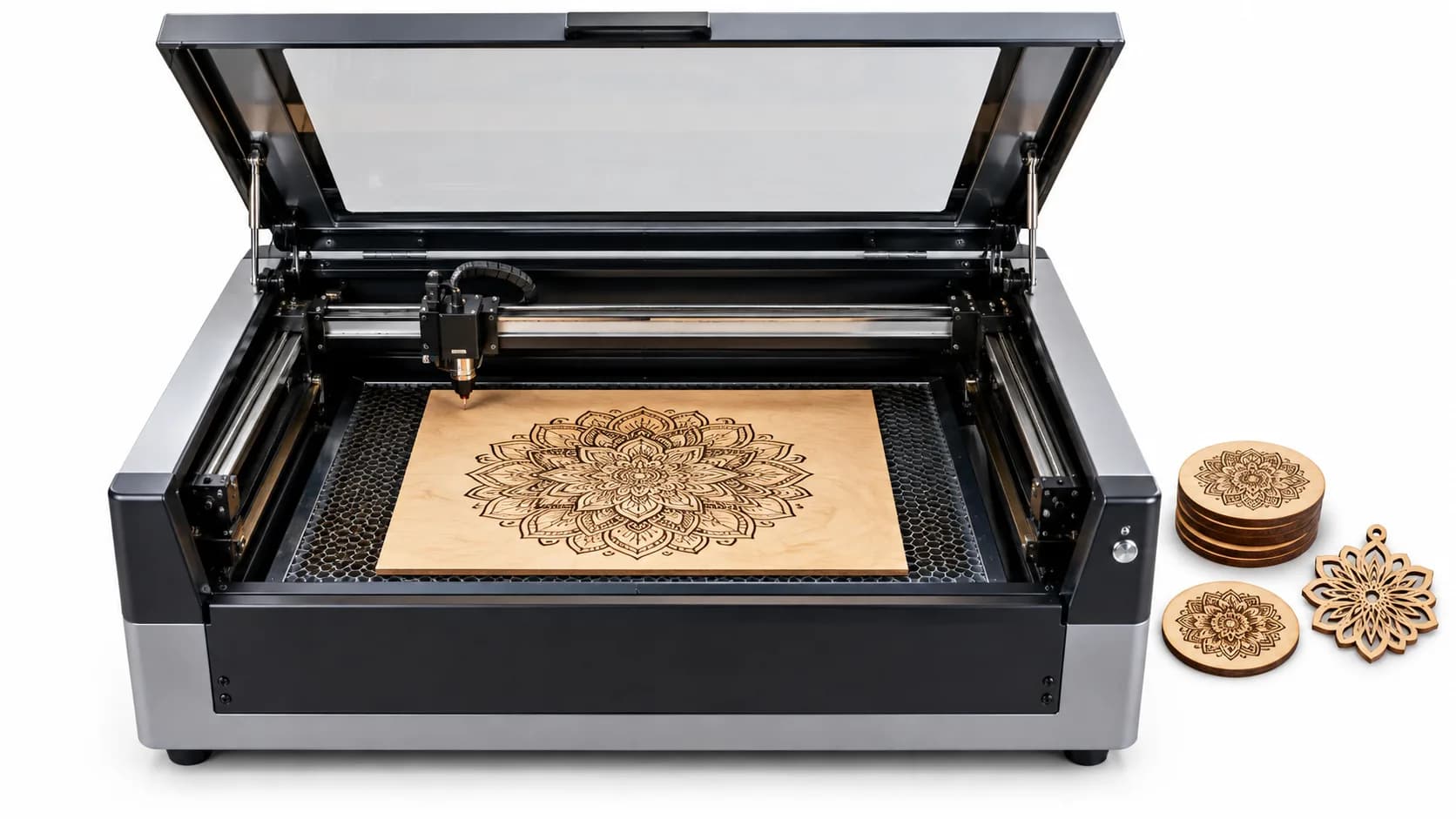
Black and White SVG for Laser Cutting and Engraving
Make Black & White SVG files for laser work in SvgCraft, then set cut, engrave or score in LightBurn, Glowforge or xTool Creative Space.
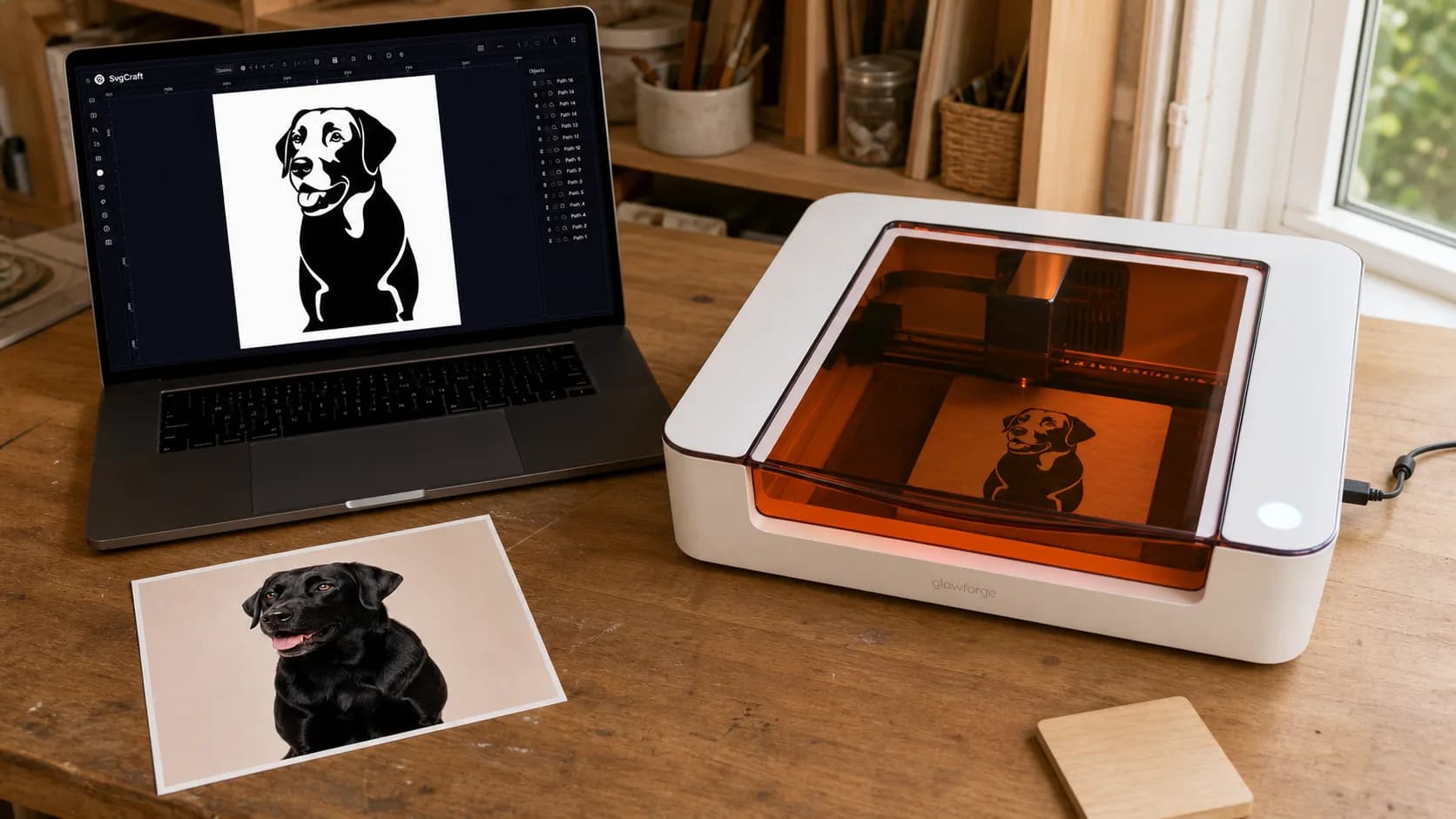
How to Turn a Photo Into an SVG for Cricut
Upload a photo to SvgCraft, generate a cut-friendly SVG without writing a prompt, edit the paths, and move the file into Cricut Design Space.
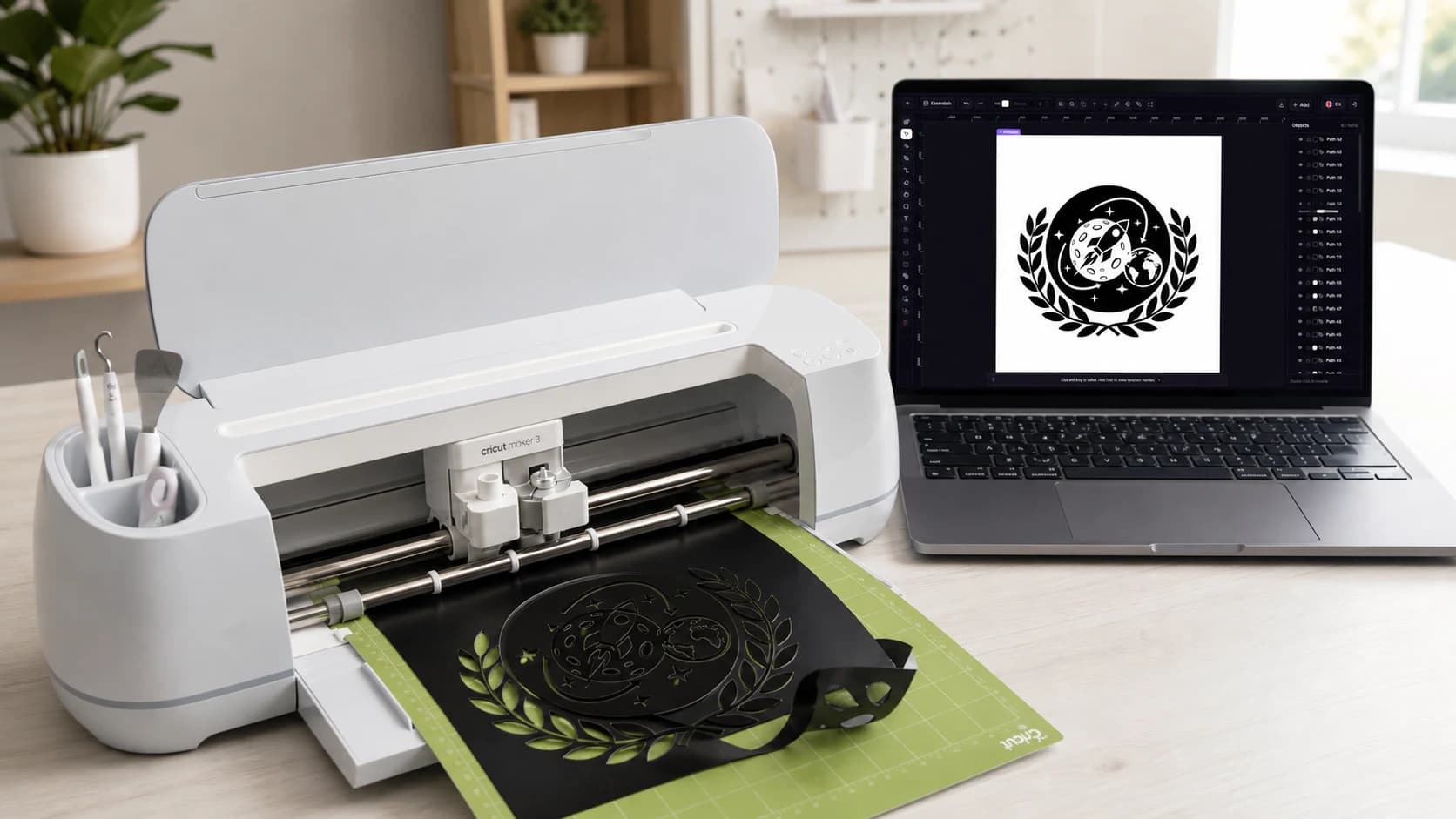
How to Make SVG Files for Cricut with AI
Create a Cricut-ready SVG in SvgCraft, simplify the vector paths, download the file, and upload it to Cricut Design Space.